
Author/Source: Elyse Betters Picaro, Senior Contributing Editor See the full link here
Takeaway
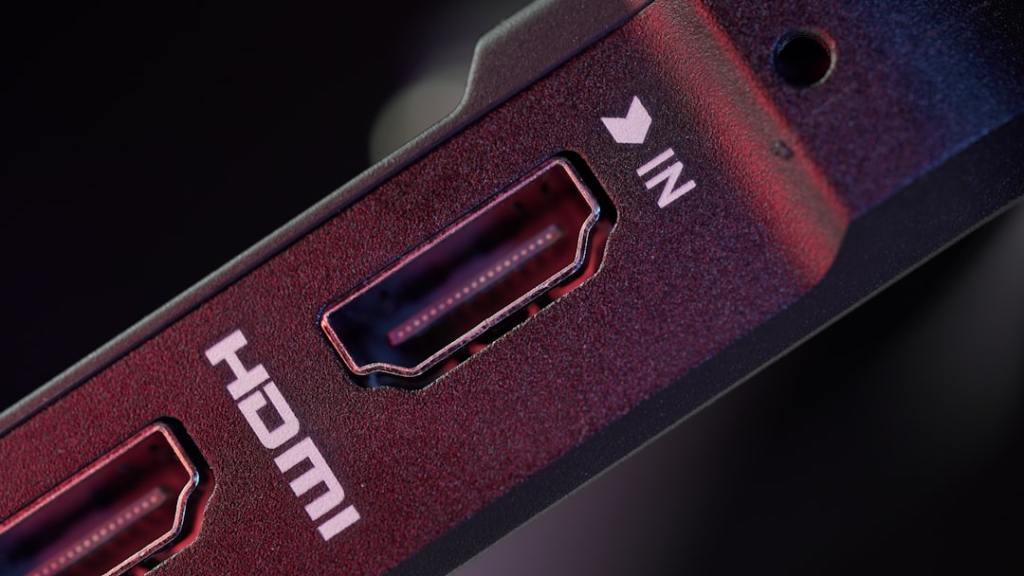
This article explains that not all HDMI ports on your TV are the same and using the right one can improve your picture and sound quality. You will learn about different HDMI port types and which devices work best with each one.
Technical Subject Understandability
Beginner
Analogy/Comparison
Choosing the right HDMI port is like picking the correct lane on a highway; all lanes get you to the same destination, but some are faster or have special features for certain vehicles.
Why It Matters
Using the correct HDMI port ensures you get the best performance from your devices. For instance, plugging a PlayStation 5 into the wrong port might mean you only get 60Hz refresh rate instead of the smoother 120Hz for gaming, making your games look less fluid. Also, for sound systems like a soundbar, using the specific ARC or eARC port is necessary for advanced audio features like Dolby Atmos.
Related Terms
HDMI 2.0, HDMI 2.1, ARC, eARC, 4K, 8K, Hz, VRR, ALLM, Dolby Atmos, DTS:X, Display Stream Compression (DSC), Fixed Rate Link, Latency Indication Protocol
Jargon Conversion
HDMI 2.0: An older type of HDMI port that supports good picture quality like 4K at 60 frames per second and basic surround sound. HDMI 2.1: A newer, faster type of HDMI port that supports very high picture quality like 4K at 120 frames per second or 8K at 60 frames per second, and special gaming features. ARC (Audio Return Channel): A special HDMI port that sends sound from your TV back to a soundbar or home theater system. eARC (Enhanced Audio Return Channel): A better version of ARC that can send higher quality, uncompressed sound like Dolby Atmos to your sound system. 4K: A very clear picture resolution, about four times better than regular high definition. 8K: An even clearer picture resolution, four times better than 4K. Hz (Hertz): A unit that measures how many times per second a screen refreshes its image, making motion look smoother at higher numbers. VRR (Variable Refresh Rate): A feature that helps gaming look smoother by matching the TV’s refresh rate to the game’s output. ALLM (Auto Low Latency Mode): A feature that automatically puts your TV in a low-lag mode for gaming. Dolby Atmos: An advanced surround sound technology that makes sound seem to come from all around you, even above. DTS:X: Another advanced surround sound technology similar to Dolby Atmos. Display Stream Compression (DSC): A way to squeeze more video information through an HDMI cable to achieve even higher resolutions and refresh rates. Fixed Rate Link: A new technology in HDMI 2.2 for faster data transfer. Latency Indication Protocol: A new feature in HDMI 2.2 that helps manage delays.
 Tech Teacher
Leave a comment