
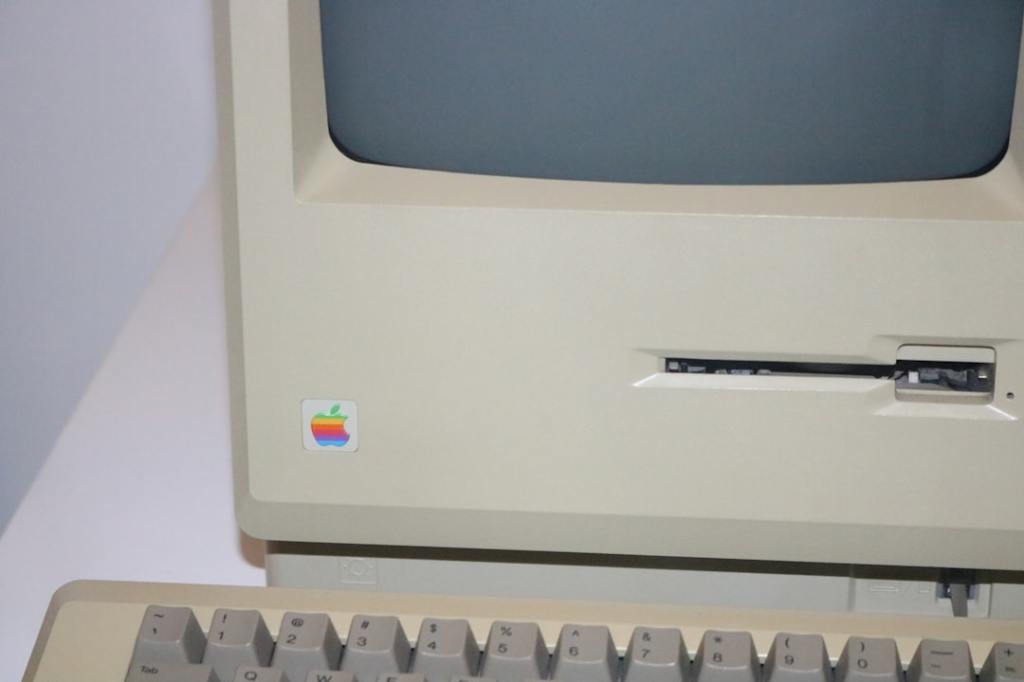
Author/Source: Cache files are temporary files that apps create to store data quickly, but they can take up a lot of space over time. See the full link here
Takeaway
This article is about using a special tool on your Mac computer to find and delete old files you don’t need anymore. It helps clean up your computer’s storage space using a Terminal command.
Technical Subject Understandability
Intermediate
Analogy/Comparison
Using this tool is like having a detective go through your house to find things you’ve forgotten about and then getting rid of them to make more space.
Why It Matters
Over time, computers fill up with unnecessary files that take up space and slow things down. This tool can help you remove these files, freeing up storage and possibly making your computer run faster. For example, deleting old cache files can give you more space for photos or videos.
Related Terms
Cache files
 Tech Teacher
Leave a comment