
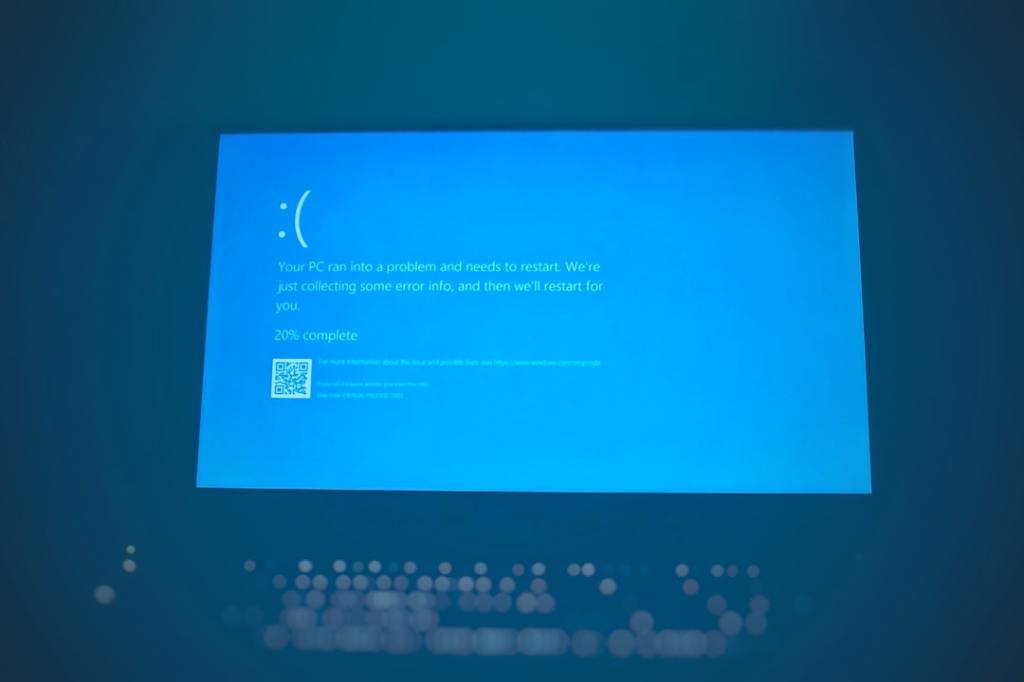
Author/Source: Explorer.exe is the part of Windows that controls your desktop and files. Task Manager is a tool that lets you see and manage what’s running on your computer. See the full link here
Takeaway
This article talks about a problem in Windows 11 that can mess up your desktop, making it freeze or go blank. It also gives a simple way to fix it.
Technical Subject Understandability
Beginner
Analogy/Comparison
It’s like having a puzzle where one piece is jammed. The whole puzzle looks wrong until you fix that one piece.
Why It Matters
If your Windows 11 desktop freezes or goes blank, you can’t use your computer. The article explains how to restart a process called “Explorer.exe” in the Task Manager to get everything working again.
Related Terms
Explorer.exe, Task Manager


Leave a Reply