
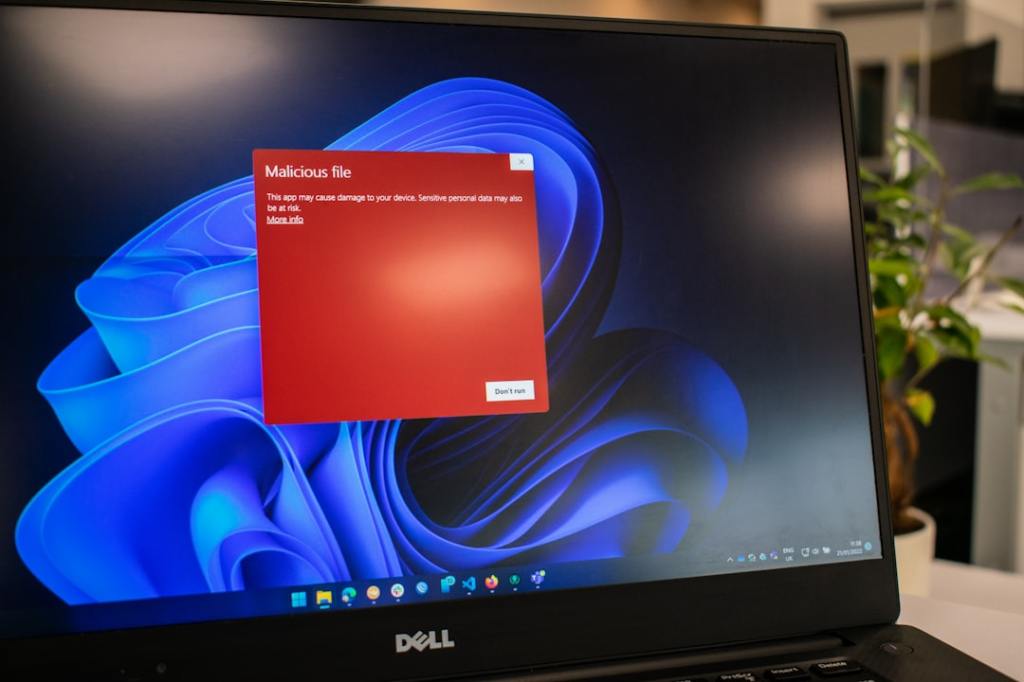
Author/Source: A Microsoft account is like an email account you use to log into Microsoft services. OneDrive is a place to store your files online. Windows Hello lets you unlock your computer with your face or fingerprint. See the full link here
Takeaway
This article walks you through the important things to do after you install Windows 11. It covers things like setting up your Microsoft account, connecting to Wi-Fi, and adjusting privacy settings.
Technical Subject Understandability
Beginner
Analogy/Comparison
Setting up Windows 11 is like moving into a new house. You need to connect the utilities, arrange the furniture, and make sure everything is secure.
Why It Matters
Taking these steps helps you personalize your computer and protect your privacy. For example, setting up OneDrive helps you back up your files in case your computer breaks down.
Related Terms
Microsoft account, OneDrive, Windows Hello


Leave a Reply