
Author/Source: Daryl Baxter See the full link here
Takeaway
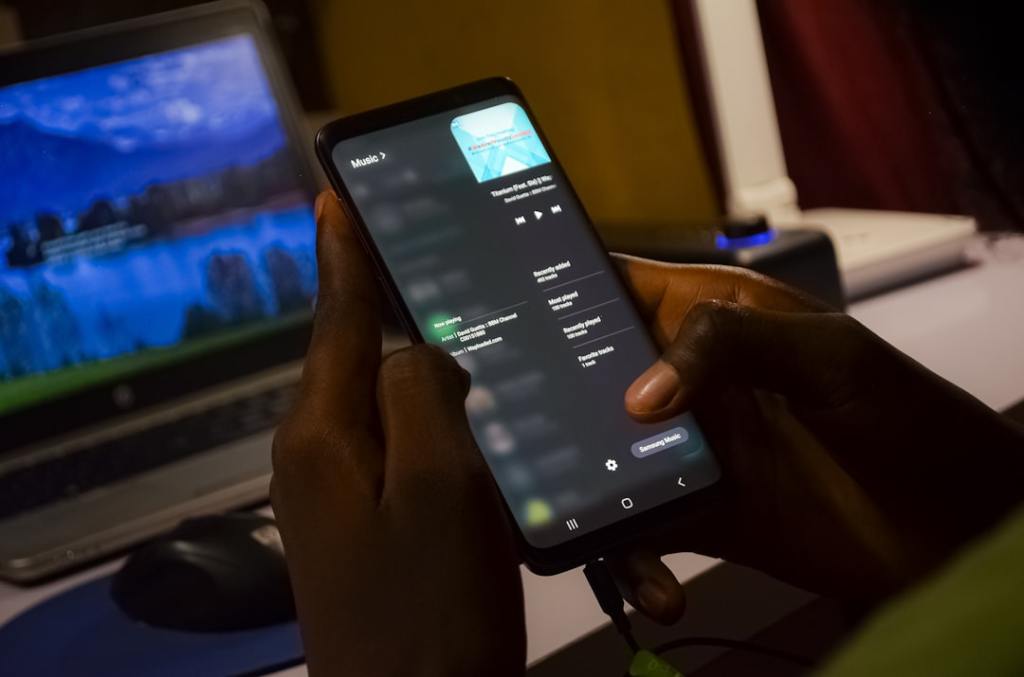
This article discusses a recent update from Microsoft that improves the Phone Link feature for Windows 11. It explains how you can now use your Android phone apps directly on your computer screen, making it easier to manage your phone and PC tasks together.
Technical Subject Understandability
Beginner
Analogy/Comparison
Using Phone Link to run Android apps on your computer is like having a little window on your desk that shows your phone screen, letting you interact with it without actually picking up your phone.
Why It Matters
This feature is important because it lets people use their phone apps without constantly looking at their phone, which can save time and make it easier to stay focused on their computer. For example, you can reply to text messages or check social media on your PC without ever touching your phone.
Related Terms
Phone Link. Jargon Conversion: Phone Link is a special program that connects your Android phone to your Windows computer, letting you use many phone features right on your PC.


Leave a Reply