Author/Source: Luke Hughes / TechRadar See the full link here
Takeaway
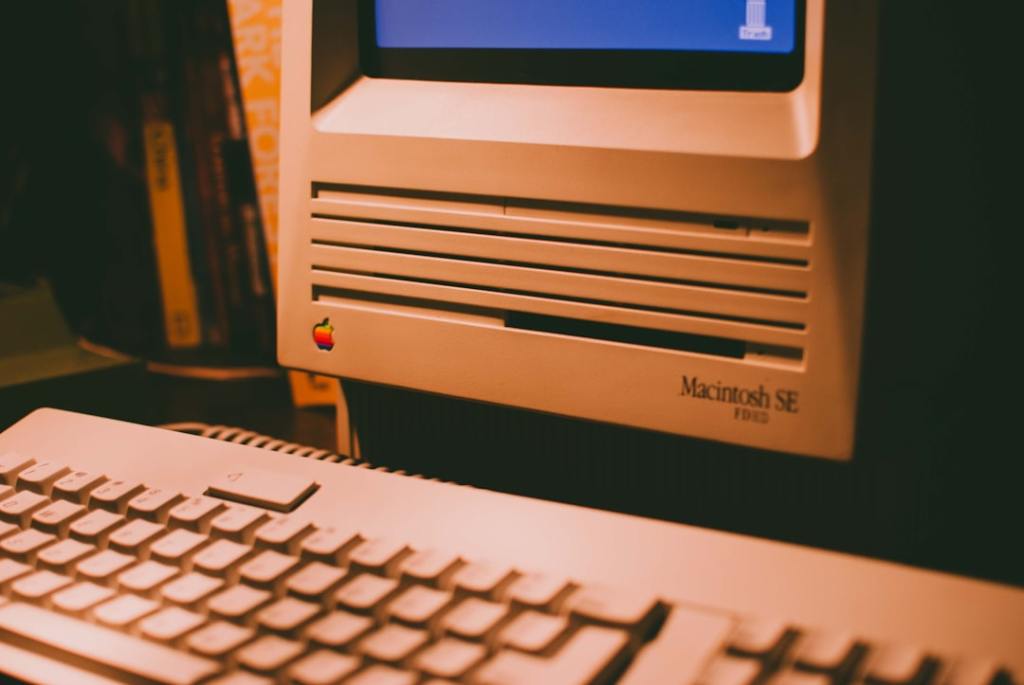
The article explains that many icons originally from Windows 95 are still present within the system files of Windows 11, acting as digital remnants of past operating systems. This persistence showcases Microsoft’s commitment to backward compatibility, ensuring older software can still function even if it means carrying over unused graphical elements.
Technical Subject Understandability
Beginner
Analogy/Comparison
Imagine a brand new car that still has a very old, decorative button from a classic model hidden deep inside the dashboard wiring, even though it no longer serves a direct purpose in the modern car’s functionality.
Why It Matters
This matters because it illustrates Microsoft’s strong dedication to backward compatibility, a principle that allows older applications to run on newer operating systems. For instance, a critical business application or specialized software from the 1990s might still rely on specific system resources or visual elements, and the retention of these legacy components helps ensure its continued operation on Windows 11 without costly redevelopments.
Related Terms
Shell32.dll: A core Windows system library containing many icons and user interface elements.
Imageres.dll: Another system library primarily storing image resources and icons.
Backward compatibility: The ability of new software or hardware to work with older versions or components.
Legacy elements: Older features or components retained in a newer system for compatibility.
Windows 95: An older version of the Microsoft Windows operating system, released in 1995.


Leave a Reply