
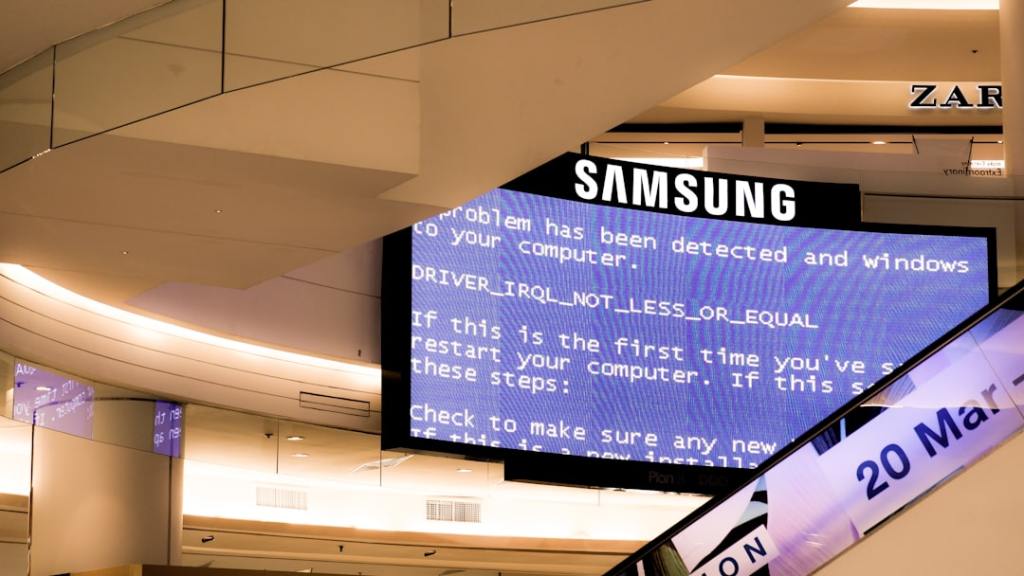
Author/Source: Suspect behavior detection is when the computer looks for unusual actions that might mean a virus or other bad program is trying to run. See the full link here
Takeaway
This article discusses a new security feature in Windows 11 called “suspect behavior detection.” It explains how this feature works to protect your computer and why it might sometimes flag normal activity as a threat.
Technical Subject Understandability
Beginner
Analogy/Comparison
It’s like having a security guard for your computer that watches for anything unusual, but sometimes the guard might think you’re a suspicious person even when you’re not.
Why It Matters
This new security feature helps protect your computer from malware. However, it could also mistakenly identify safe programs as dangerous, which might be annoying for users. For example, a gamer installing a mod might be falsely warned about a threat.
Related Terms
Suspect behavior detection
 Tech Teacher
Leave a comment