
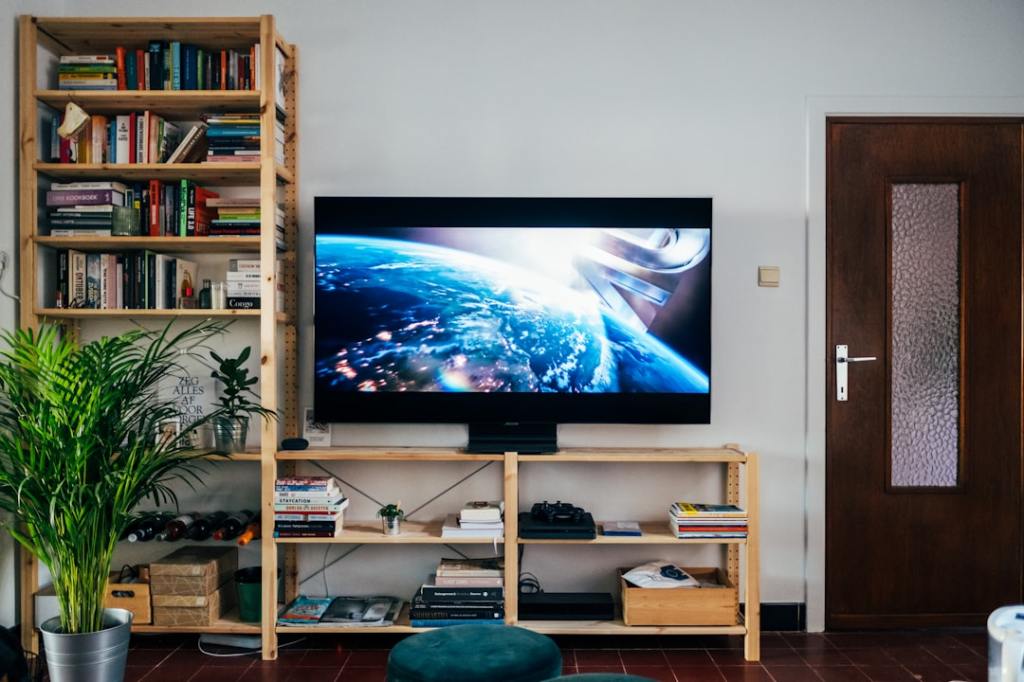
Author/Source: Marc McLaren See the full link here
Takeaway
This article explains five simple, free ways to make your smart TV work better. You’ll learn how to improve picture quality, sound, and the overall experience without spending any money.
Technical Subject Understandability
Beginner
Analogy/Comparison
Making your TV better with these tips is like tuning up a car for free to make it run smoother and faster without buying new parts.
Why It Matters
It matters because you can get a much better viewing experience from your TV without spending money on a new one or extra gadgets. For example, adjusting picture settings like contrast and brightness can make movies look much clearer and more lifelike, just like the article suggests for watching a nature documentary.
Related Terms
Picture mode, Dynamic Range, Motion Smoothing, Eco Mode, Bluetooth. Jargon Conversion: Picture mode is a setting that changes how your TV looks, like for movies or sports. Dynamic Range helps make bright parts brighter and dark parts darker for a more realistic picture. Motion Smoothing is a setting that makes movement on screen look fluid but can sometimes make things look fake. Eco Mode saves power but can make the picture dimmer. Bluetooth is a way to connect wireless devices like headphones to your TV.
 Tech Teacher
Leave a comment