
Author/Source: Darren Allan See the full link here
Takeaway
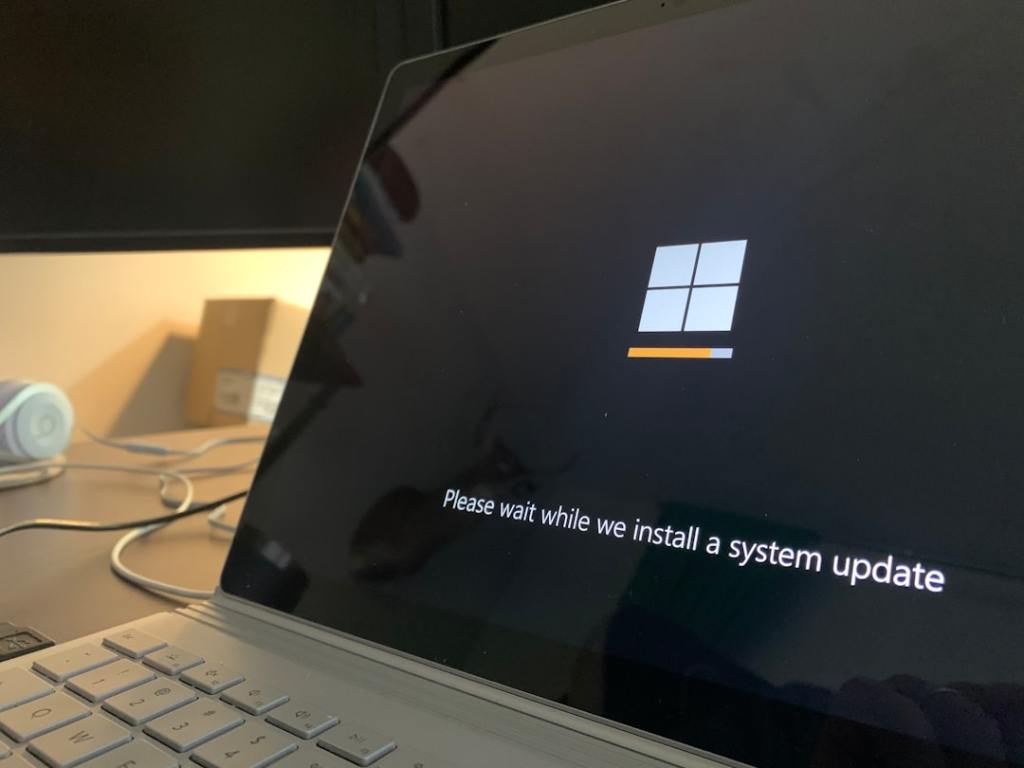
This article explains that a new update for Windows 11, called 25H2 or Moment 5, is now available for everyone. You will learn how to get this update on your computer, either automatically or by manually checking for it.
Technical Subject Understandability
Beginner
Analogy/Comparison
Getting this computer update is like getting a new version of your favorite app that adds cool new features and makes it work better.
Why It Matters
This update brings several new features and improvements to Windows 11, like a better Copilot AI assistant and enhanced tools for connecting your phone. For example, the article mentions that users can now use Copilot across several monitors at once.
Related Terms
Copilot, Phone Link, Snap Layouts, voice access, Narrator. Jargon Conversion: Copilot is Microsoft’s AI assistant. Phone Link is a feature to connect your Android phone to your PC. Snap Layouts is a tool to arrange multiple app windows on your screen. Voice access is a tool to control your PC using your voice. Narrator is a tool that reads on-screen text aloud for you.
 Tech Teacher
Leave a comment