
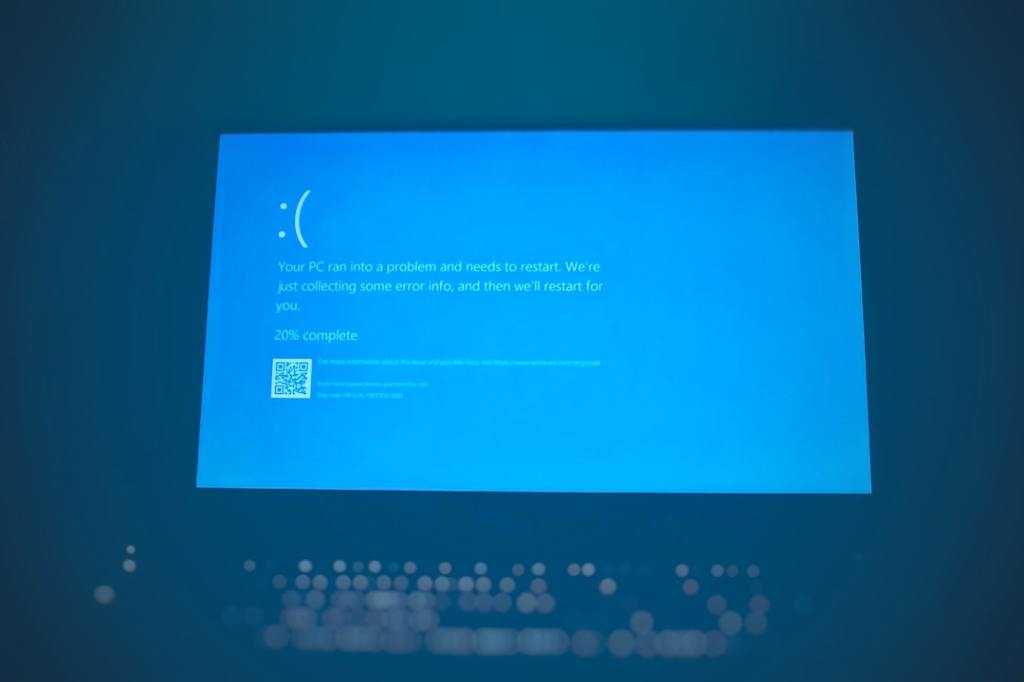
Author/Source: Alex Perry / Mashable See the full link here
Takeaway
This article advises most Windows 11 Pro users to avoid a specific optional preview update (KB5020044) scheduled for November 16th. It explains that this update is primarily for IT administrators to test future features and could introduce instability or bugs for average users with no real benefit.
Technical Subject Understandability
Beginner
Analogy/Comparison
Installing this preview update is like tasting food a chef is still experimenting with in the kitchen; it might be interesting for the chef to test, but it’s not ready to be served to guests and might not taste right yet.
Why It Matters
Installing untested software can lead to unexpected problems like system crashes, lost data, or features not working correctly, which can disrupt your daily activities or work. For instance, if you install a buggy preview update, your essential video editing software might stop working, or your computer could frequently freeze, making it impossible to meet deadlines.
Related Terms
Windows 11 Pro: Microsoft’s operating system designed for professionals and businesses.
KB5020044: The specific identifier for the preview update discussed in the article.
Preview update: An update released for testing purposes before it is widely distributed in a stable form.
Optional update: An update that is not critical for security or basic functionality, allowing users to choose whether to install it.
IT administrators: Professionals responsible for managing an organization’s computer systems and networks.
Jargon Conversion:
Preview update: A version of a software update that is sent out early for people to try and test, often before it is fully finished and polished.
Optional update: An update that you do not have to install; it is not necessary for your computer to work, but it might offer new features or minor improvements.
IT administrators: People whose job is to set up, maintain, and fix computer systems and networks for a company or group.
 Tech Teacher
Leave a comment