
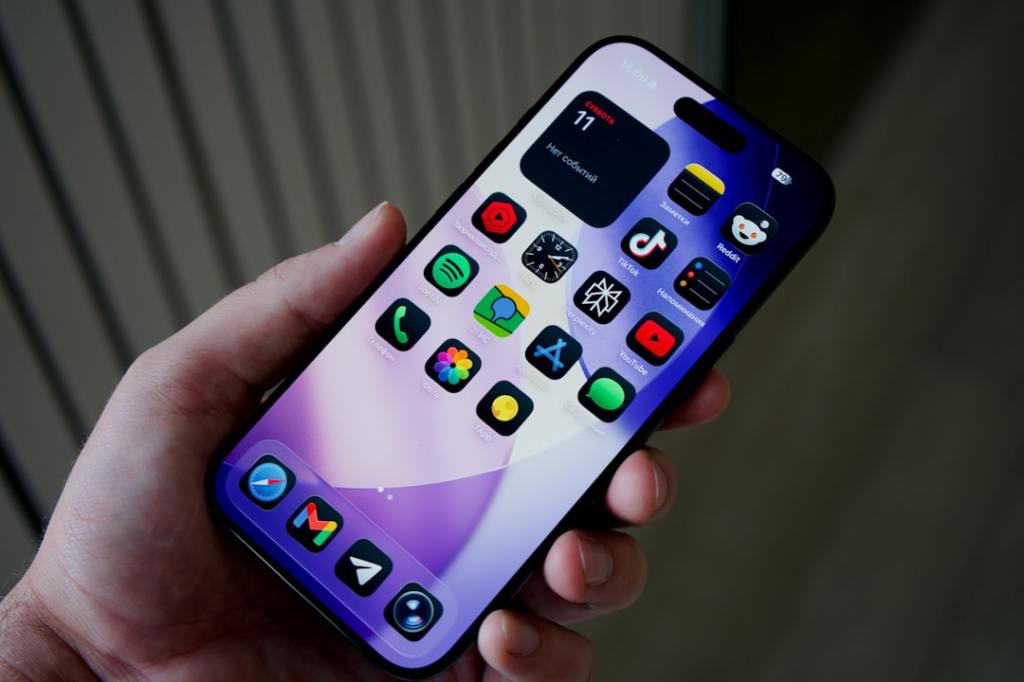
Author/Source: Chance Miller See the full link here
Takeaway
This article explores the 25 new actions introduced to the Shortcuts app with iOS 18, detailing how these updates significantly expand the automation possibilities for users. Readers will discover specific new capabilities that can help streamline daily tasks, integrate with more apps, and personalize their device experience more deeply.
Technical Subject Understandability
Intermediate
Analogy/Comparison
Imagine you have a set of building blocks, and before, you could only make simple structures. Now, you’ve been given 25 brand new, specialized blocks—some that can make things move, some that can tell time, and others that can connect to different toys you own. These new blocks allow you to build much more intricate and helpful contraptions that do exactly what you want, often with just a single push of a button.
Why It Matters
These new Shortcuts actions are important because they empower you to make your device work smarter and more efficiently for you, saving valuable time and reducing repetitive manual steps. Instead of navigating through multiple apps and settings for a common task, you can now automate it with a single tap or voice command. For instance, you could create an automation that, when you open your favorite fitness app, automatically sets your phone to “Do Not Disturb,” starts a specific workout playlist, and logs your start time, all without you having to do anything beyond opening the app.
Related Terms
Shortcuts app
Actions
Automation
Input/Output
Variables
Control Flow
API
JSON
Safari Web Actions
Math Actions
Conditional Logic
If statements
App Intents
Focus Filters
Jargon Conversion:**
Shortcuts app: A special tool on your device that lets you combine multiple tasks into one simple command.
Actions: Individual small tasks, like “send a message” or “open an app,” that you link together to build a Shortcut.
Automation: Setting up your device to perform a series of tasks on its own, without you having to start each step manually.
Input/Output: The information a task needs to begin (input) and the result it produces (output).
Variables: Temporary placeholders for information that can change, such as a name or a number, which your Shortcut can use.
Control Flow: The instructions that tell your Shortcut the order in which to perform tasks, and whether to do certain steps only if specific conditions are met.
API (Application Programming Interface): A set of rules that allows different apps to communicate with each other and share information or request actions.
JSON (JavaScript Object Notation): A common, easy-to-read way for computers to exchange structured information.
Safari Web Actions: Special actions that let your Shortcuts interact directly with web pages in the Safari browser.
Math Actions: Shortcuts that can perform calculations, such as adding, subtracting, or finding averages.
Conditional Logic / If statements: Instructions that tell your Shortcut to do something only *if* a specific condition is true (e.g., “If it’s after 5 PM, then turn on the lights”).
App Intents: A way for apps to inform your device what actions they can perform, making it easier for Shortcuts or voice assistants to use them.
Focus Filters: Settings that let you customize what content and notifications you see within specific apps when a particular Focus mode (like “Work” or “Personal”) is active.
 Tech Teacher
Leave a comment