
Via Slash gear
What the Article Is About (in Plain English)
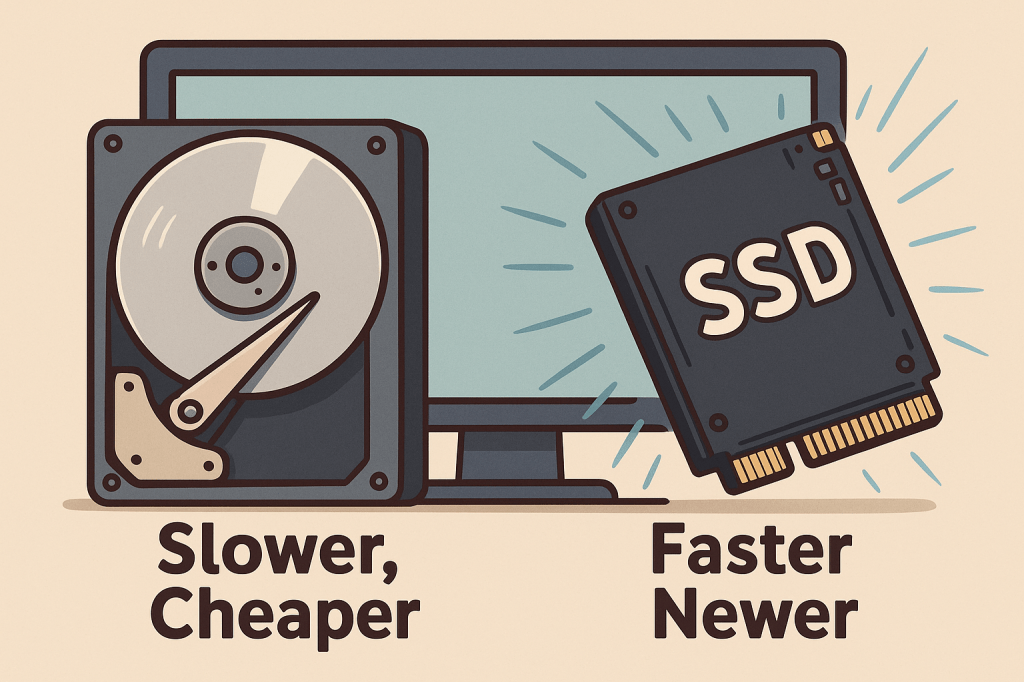
This article compares two common parts of a computer where your stuff is saved: the HDD (Hard Disk Drive) and the SSD (Solid State Drive). It explains how each one works, what makes them different, and why SSDs are usually faster and more durable.
Why This Article Is Important or Relevant to Everyday People
If you’ve ever wondered why one computer starts up in seconds and another takes forever, the kind of storage it has is likely the reason. Knowing the difference helps you make smarter choices when buying a new computer or upgrading an old one — saving you both time and frustration.
What the Average Reader Should Take Away or Learn from This
SSDs are faster, quieter, and more reliable than HDDs.
HDDs are cheaper and better for storing lots of files that don’t need to be opened often.
If possible, it’s smart to use both: an SSD for your main programs and an HDD for photos, movies, or backups.
Upgrading to an SSD can greatly improve an old computer’s speed.
Term to Know
NAND flash
(Pronounced “nand flash”)
This is the type of memory SSDs use.
Think of it like a really advanced version of a USB thumb drive. Instead of spinning like a record player, it saves your stuff in tiny electrical boxes. Nothing moves inside — so it’s faster and harder to break!
 Tech Teacher
Leave a comment