
By Devonte Longmire
How to Find Out What Kind of Phone You Have
Sometimes you need to know what kind of phone you have—like when you’re getting help, buying a case, or downloading the right app. Luckily, it’s easy to find this information right on your phone.
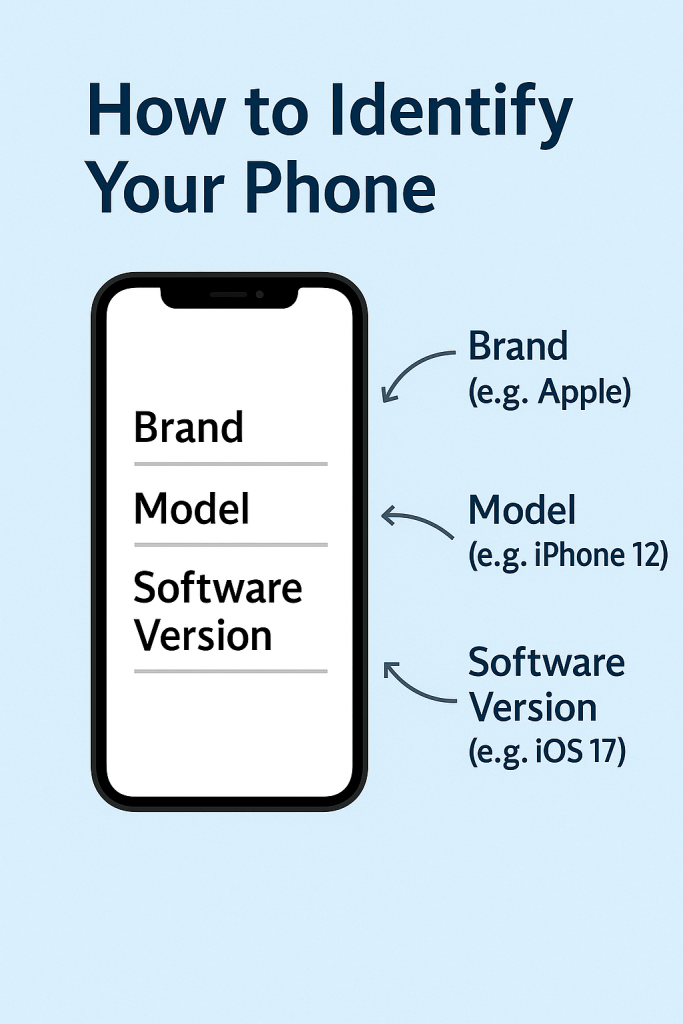
What You’re Looking For
The main things to find are:
The brand (like Apple, Samsung, or Motorola)
The model (like iPhone 12 or Galaxy S21)
Your software version (like iOS 17 or Android 13)
How to Find It
On an iPhone:
1. Open the Settings app (it looks like a gray gear ⚙️).
2. Tap General.
3. Tap About.
4. You’ll see:
Name: The name you gave your phone
Model Name: Like “iPhone 13”
Software Version: Like “iOS 17.4”
On an Android phone (Samsung, Google Pixel, etc.):
1. Open the Settings app (gear icon ⚙️).
2. Scroll down and tap About phone or About device.
3. You’ll see:
Device name (Example: Samsung Galaxy)
Model number
Software version: Like “Android 13”
Why This Matters
Knowing what kind of phone you have can:
Help you get the right instructions for your device.
Make it easier to ask for help or report problems.
Help you buy the right accessories, like a charger or phone case.
A Helpful Tip
If you’re ever unsure, you can always write this information down or take a screenshot of the About page and save it for later.
 Tech Teacher
Leave a comment